Start here
Create your first AI influencer
Sign up, create an influencer from your photos, a single photo or a short description, and make your first photos and videos.
5 min read
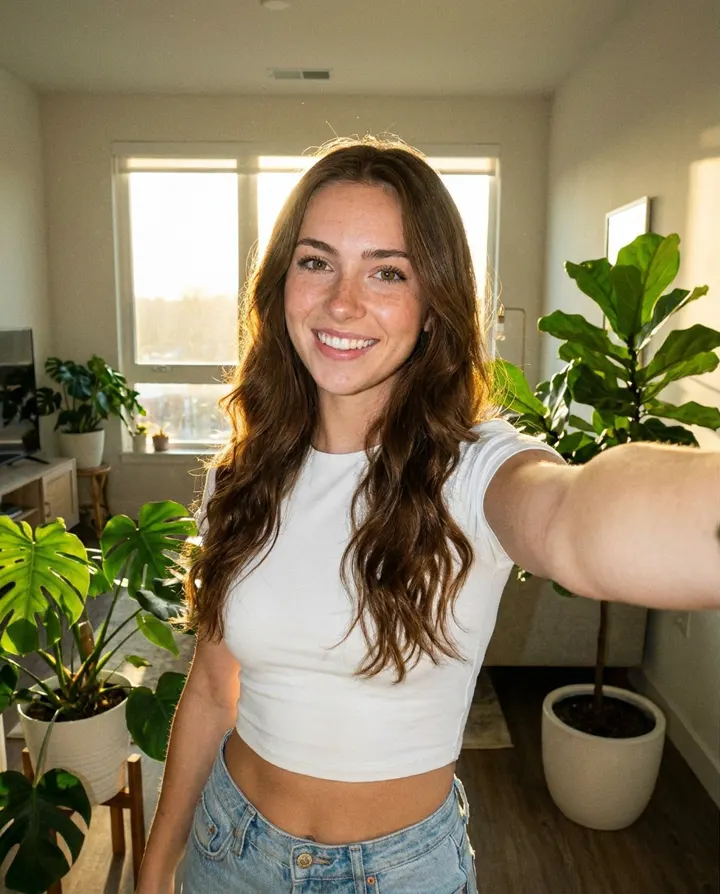
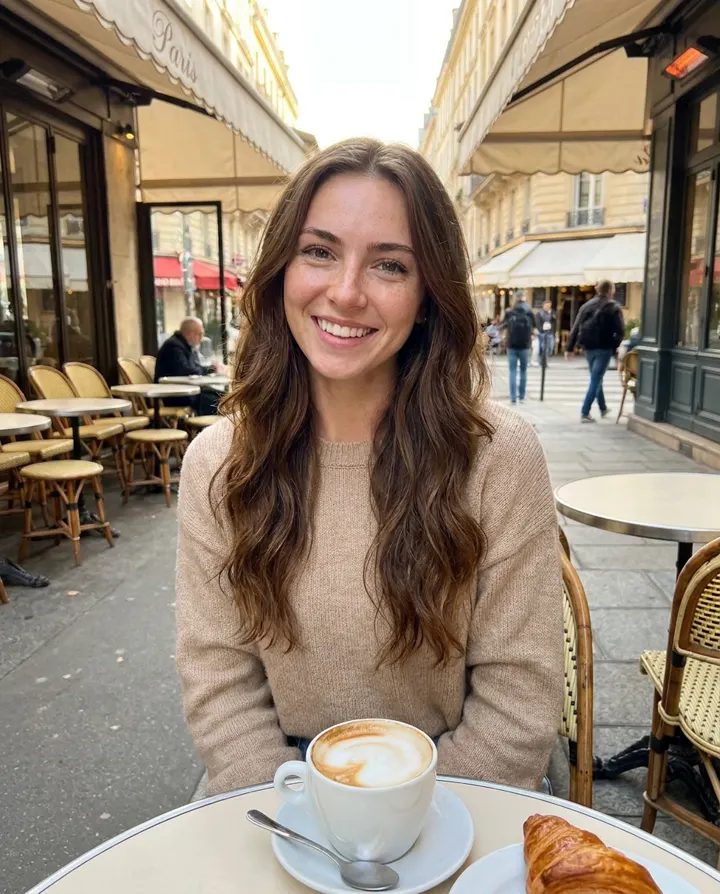
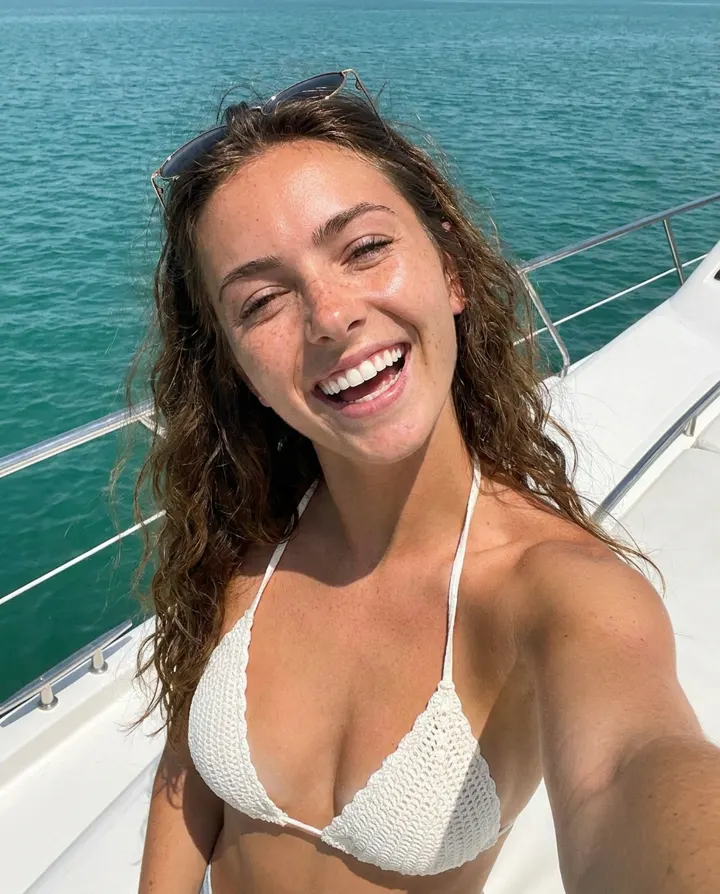
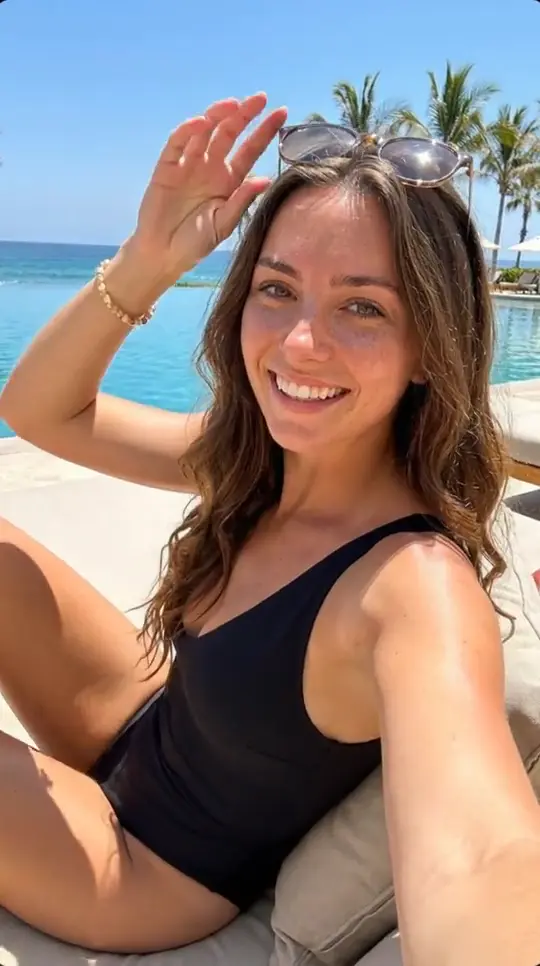
An AI influencer is a person you design once and then put in any photo or video, always with the same face. This guide takes you from a new account to your first photos in a few minutes.
1. Sign up
Create a free account at app.createinfluencers.com with your email, Google or GitHub. You land on your Home page, which asks "What do you want to make today?" and shows big buttons for photos, videos and UGC ads.
2. Create your influencer
Open "Your Influencers" in the menu and tap "New Influencer". You'll be asked "How do you want to start?" with two choices:
- "Train from your photos": upload 10 to 50 photos of the same person. This gives the best likeness and is the right pick if you're turning yourself or an existing look into an AI twin.
- "Text or a single image": describe the face in words or upload one clear face photo. We make a reference portrait, then 10 matching photos, and train on those. Quick, budget friendly and great for testing.
Both ways end with "Finish and Train AI". Training takes about 5 to 10 minutes and costs around 10 credits. You can leave the page while it runs. If training fails you aren't charged, and you can tap the card to try again.
3. Make your first photos
On "Your Influencers", your influencer's card shows "Trained" when it's ready. Tap "Images" on the card, describe the photo (for example "mirror selfie in a red dress, city lights at night") and tap "Generate". Every image is of your influencer, so you don't need any special code words in the prompt.
4. Keep going
- Tap "Video" on the card to animate your influencer (see the videos guide).
- Open "Photo packs" to get a whole 5-photo shoot in one outfit and place.
- Everything you make is saved in "Gallery", where you can download it.