Prompts
AI photo edit prompts: change the outfit, place or light
Keep the photo you love and change one thing. Edit prompts and examples for Nano Banana and Seedream.
4 min read
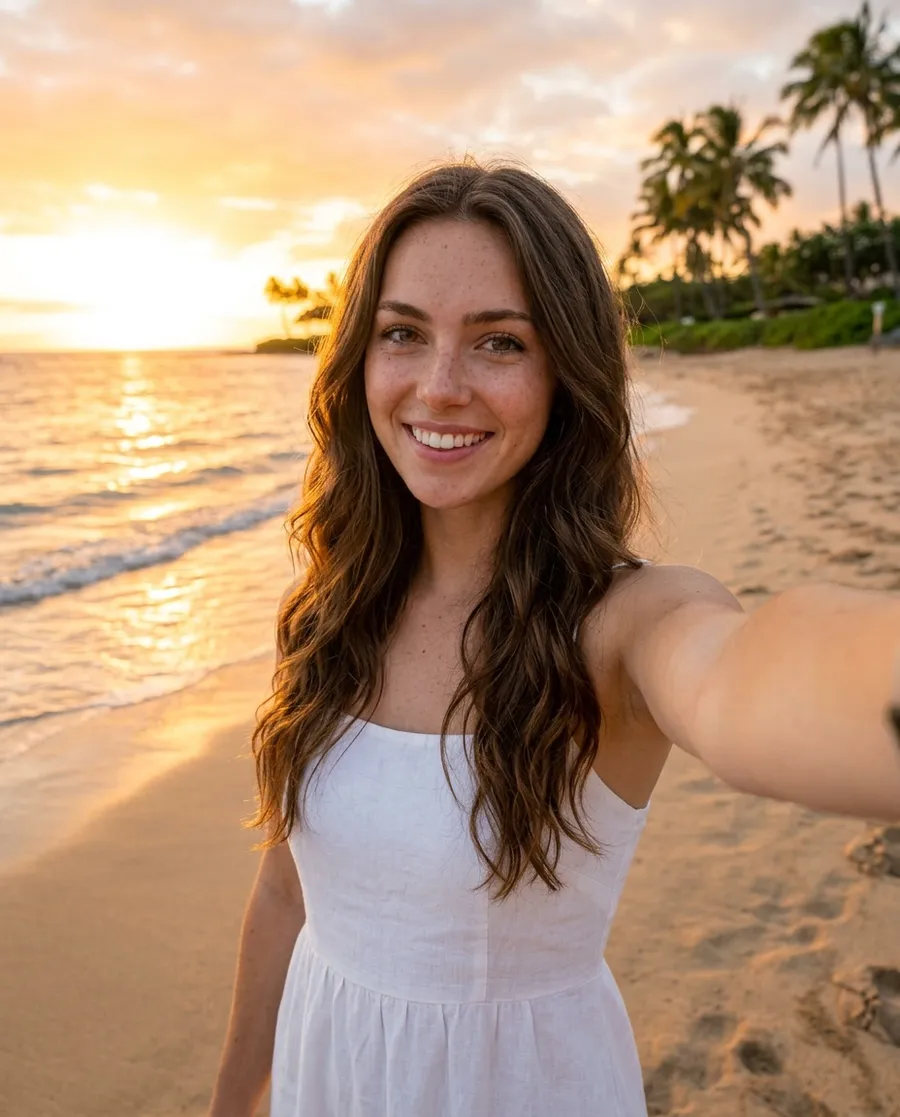
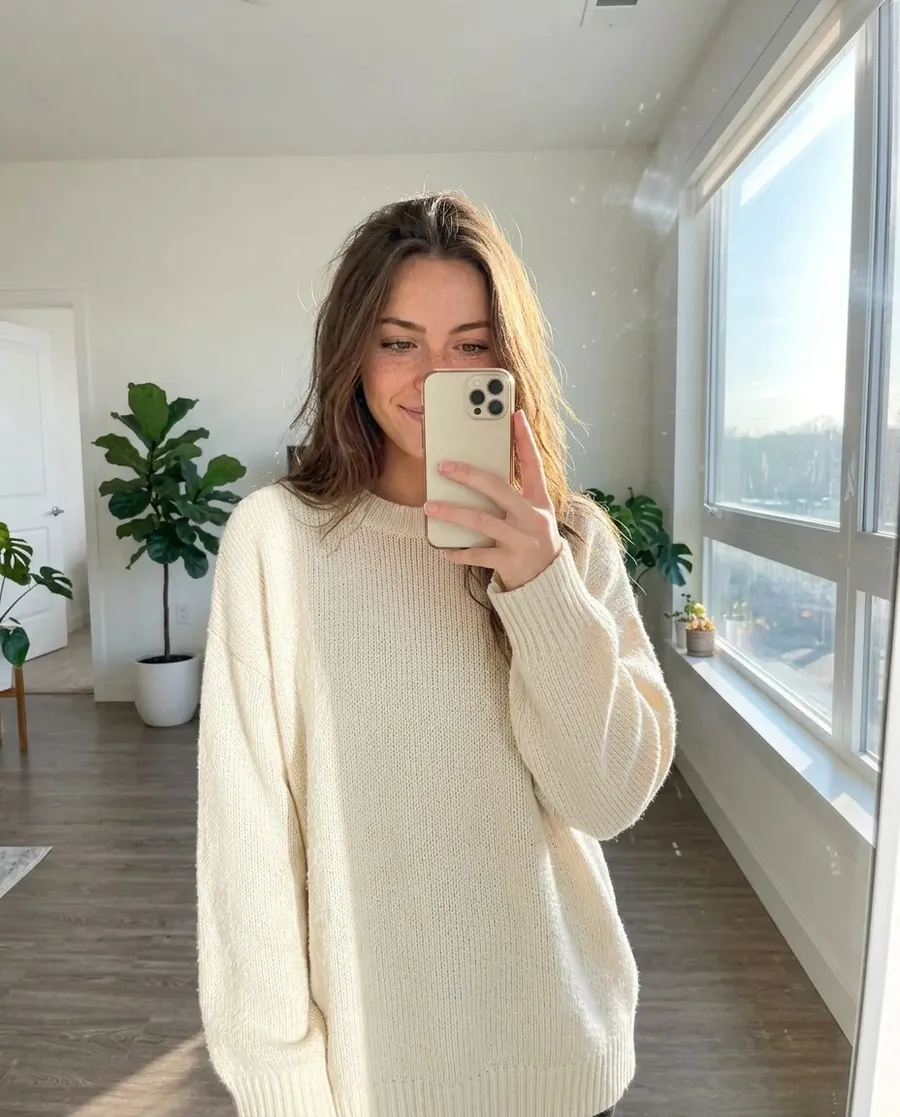
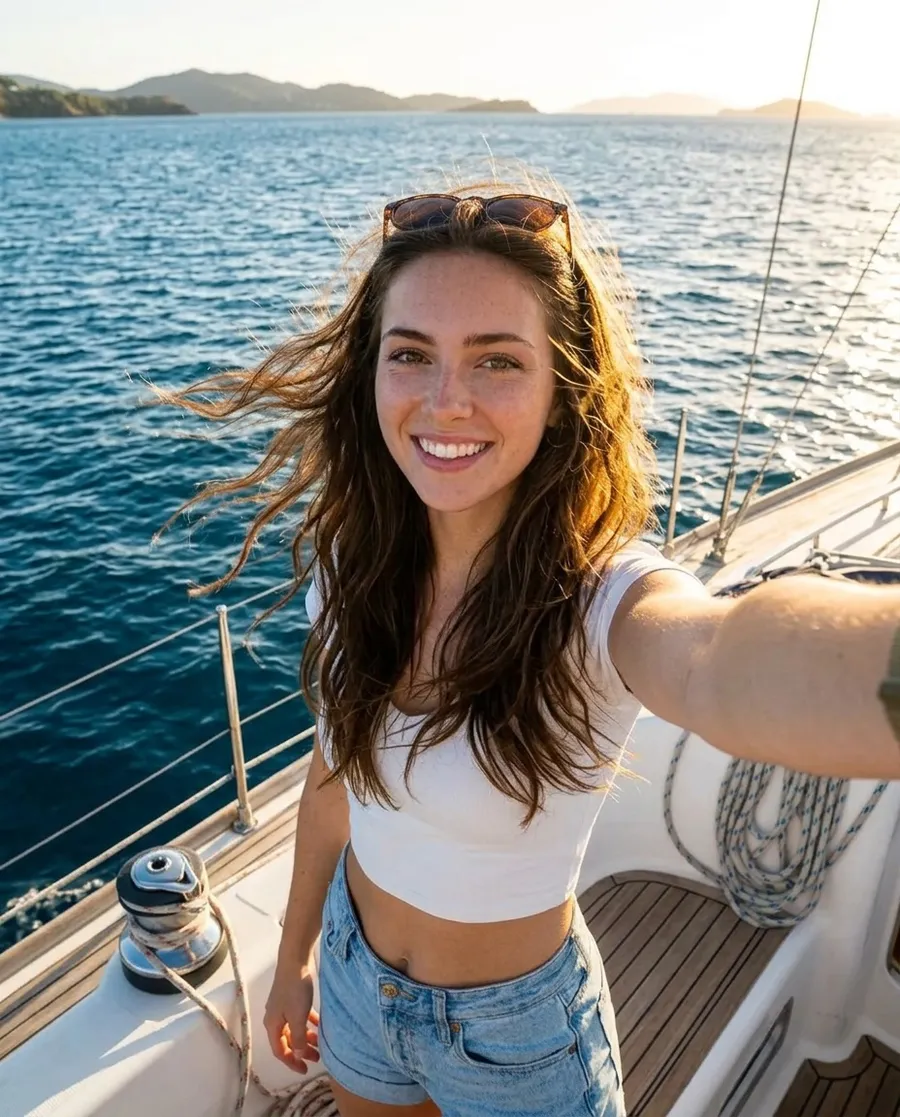
Nano Banana and Seedream can edit a photo you already have. Add the photo under "Reference photos" in Images, then say what to change and what to keep. Here's one selfie edited six ways.
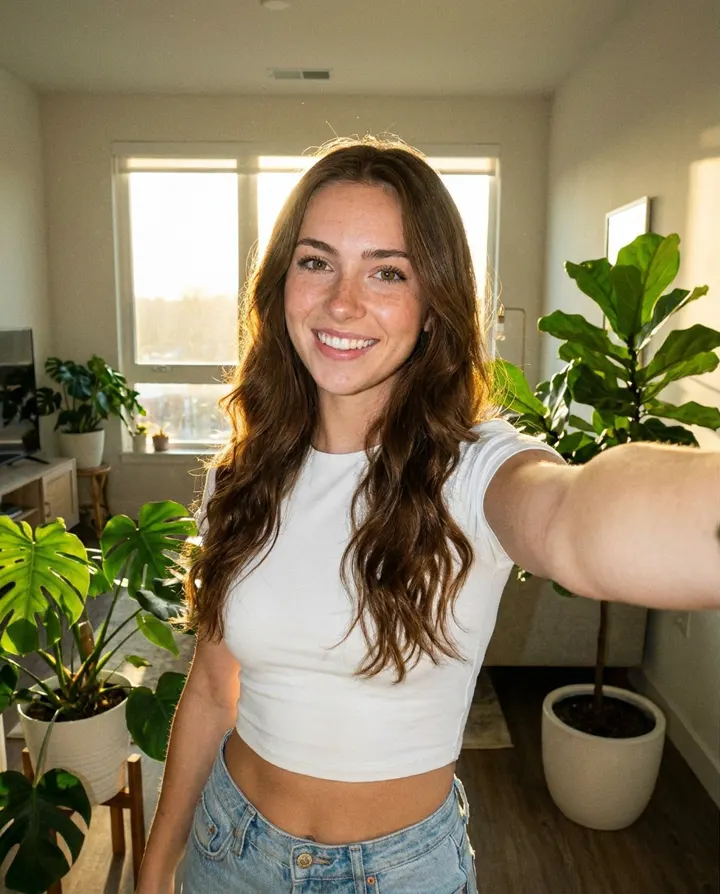
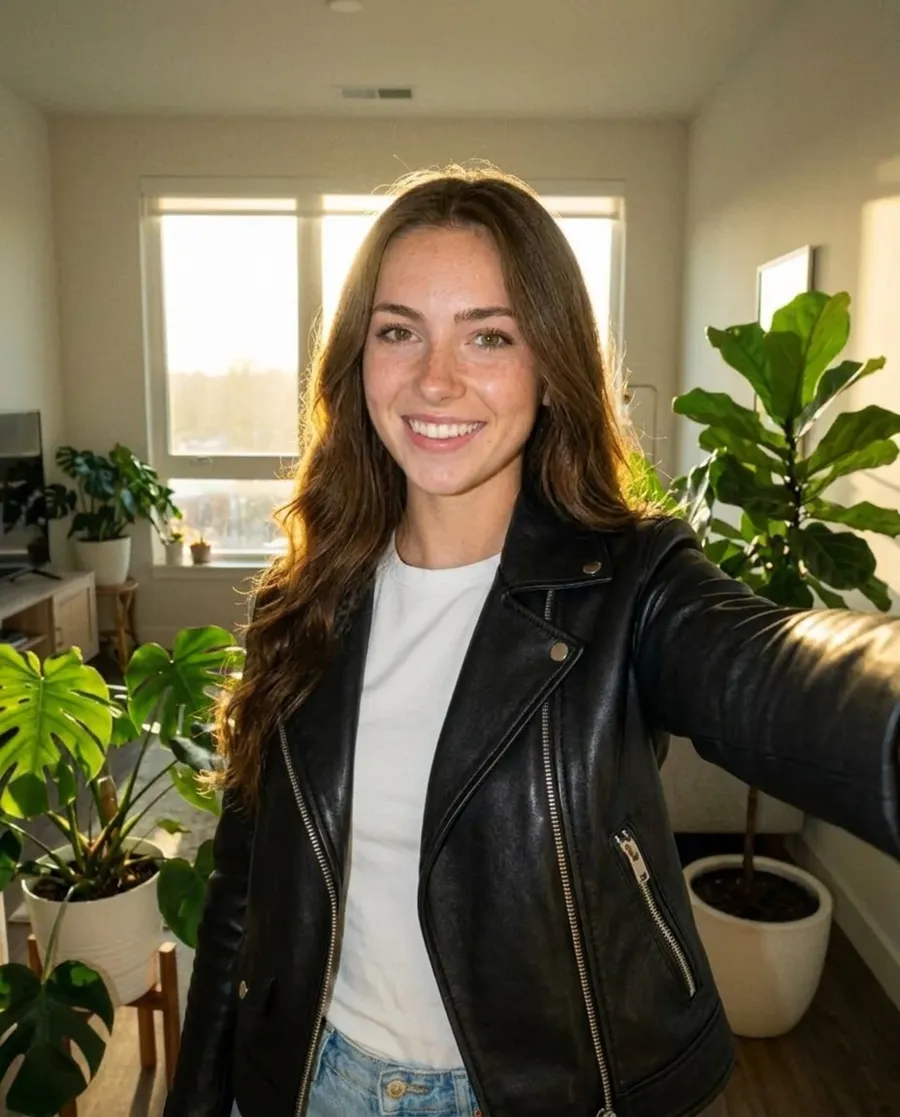
Change her outfit to a black leather jacket over a white t-shirt. Keep her face, hair, pose and the room the same.
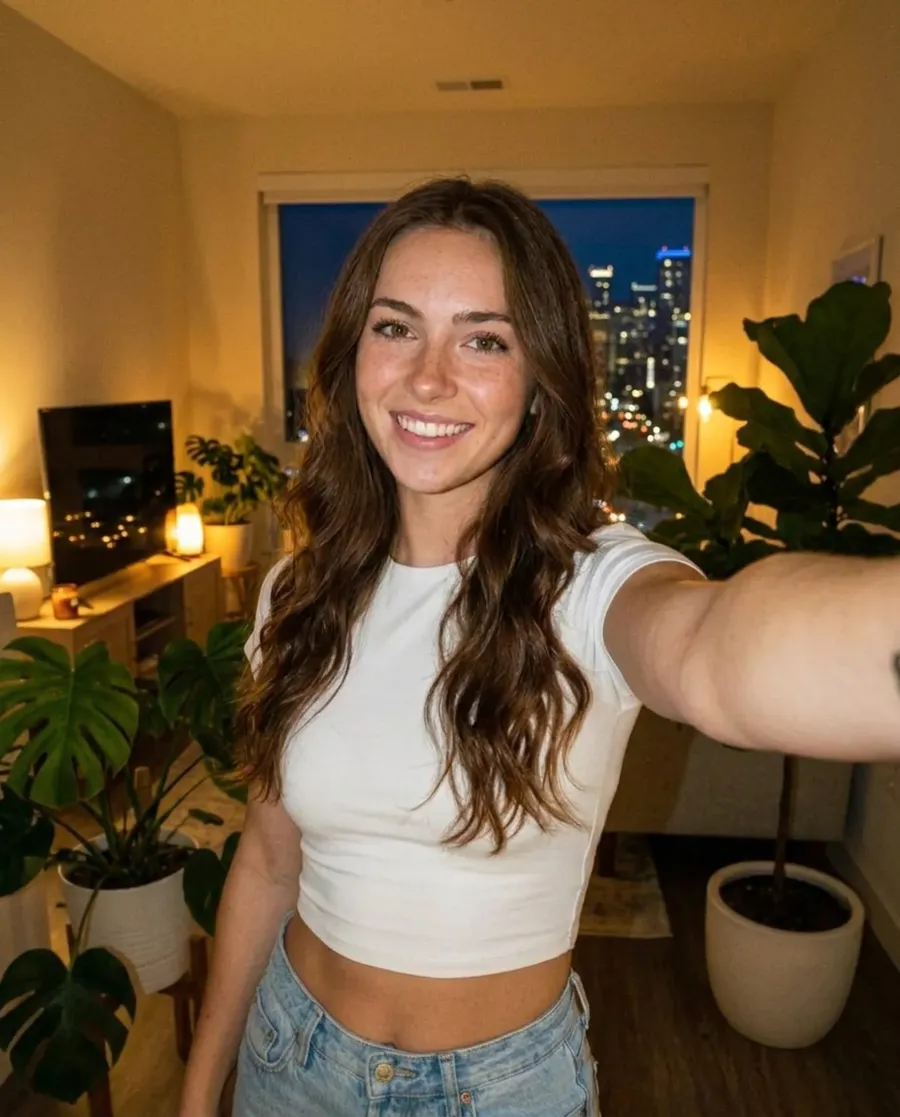
Same photo, but at night: warm lamp light inside and city lights outside the window. Keep her face and outfit the same.
Put her on a beach at sunset in a white linen dress, same face and hair, holding the phone for a selfie.
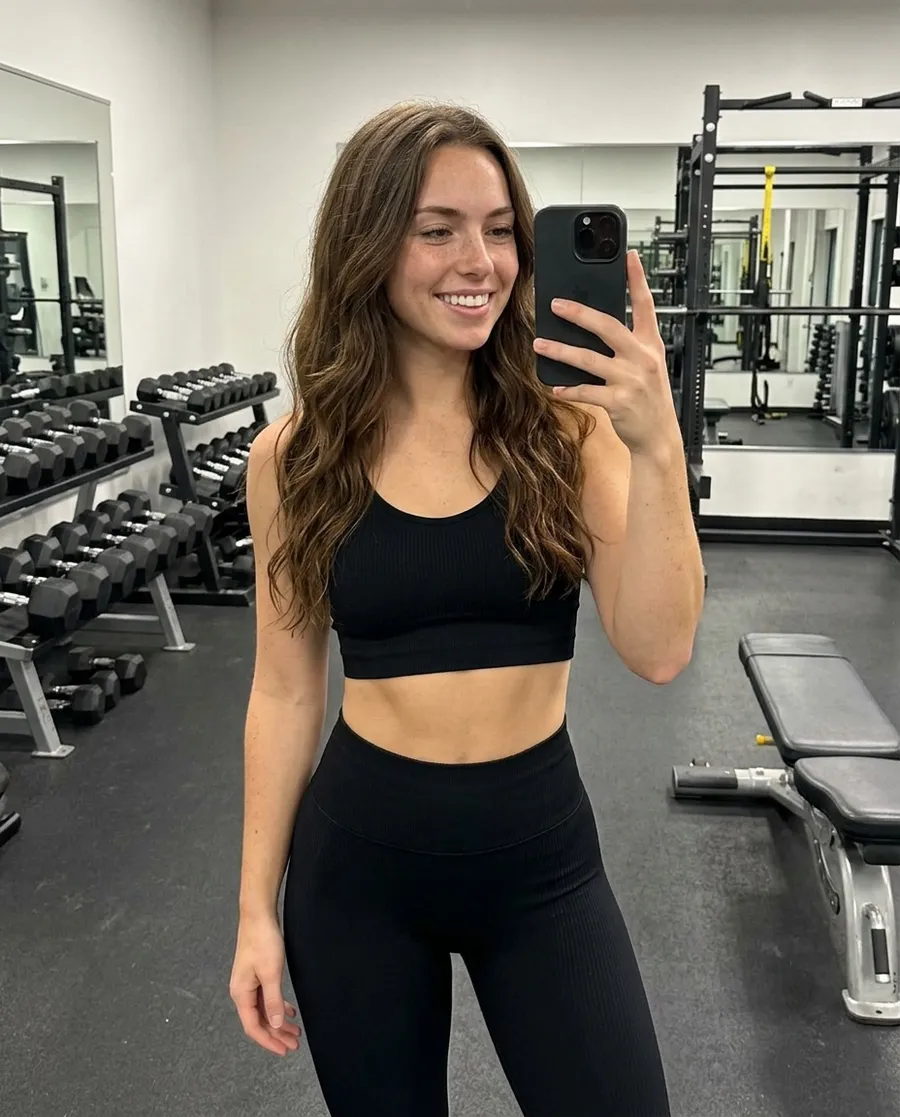
Make it a mirror selfie in a gym, same face and hair, wearing a matching black workout set.
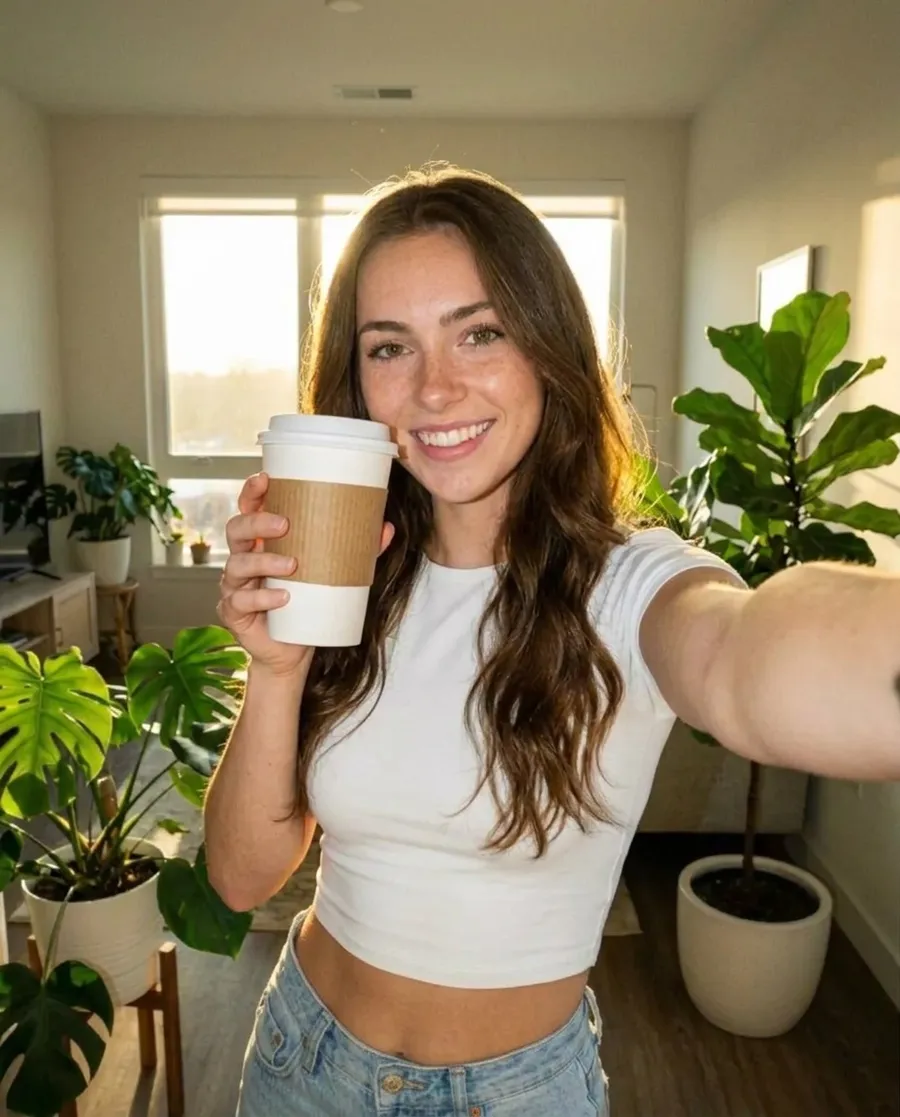
She is holding a white coffee cup with a plain kraft paper sleeve up next to her face, smiling at the camera. Keep her face and the room the same.
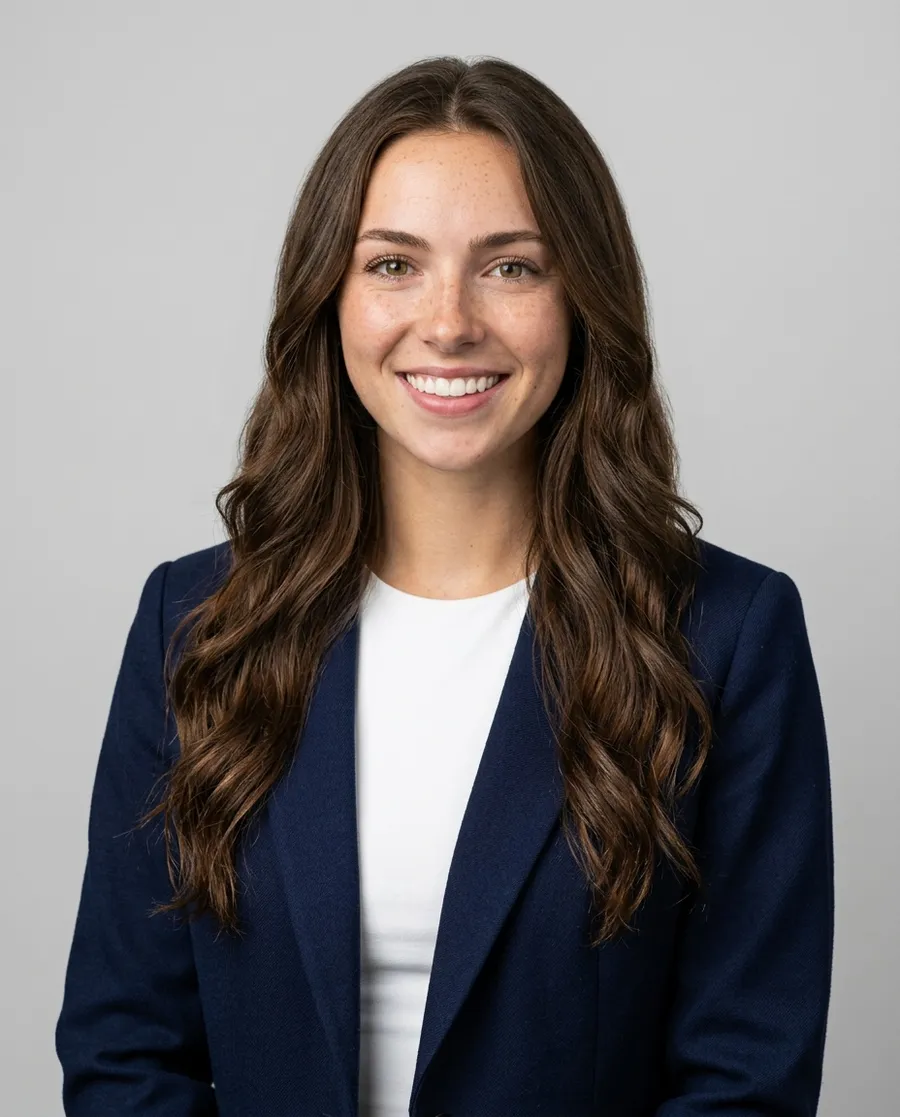
Turn this into a professional headshot: navy blazer, plain light grey studio background, soft even light, same face and hair.
How to write an edit prompt
- Say the one thing to change first: "Change her outfit to...", "Same photo, but at night...".
- Then say what to keep: "Keep her face, hair, pose and the room the same." This stops the AI from changing everything.
- Change one thing at a time. Want a new outfit and a new place? Do the outfit first, then edit that result.
- To copy a real outfit or product, add its photo as a second reference and say "wearing the jacket from the second photo".